

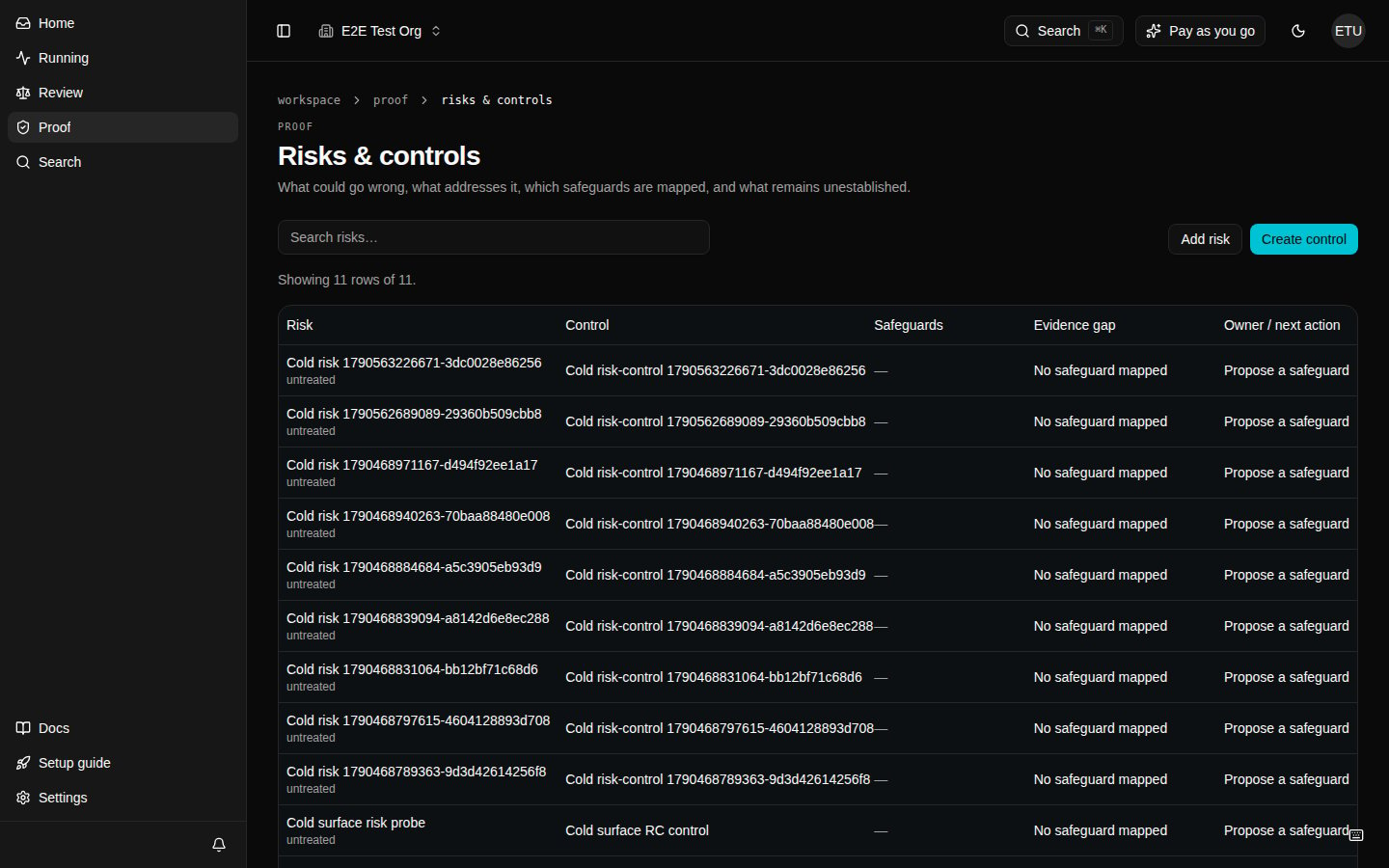
Open Risks & controls
From the sidebar open Proof, then Risks & controls (/proof/risks-and-controls) in the product.
What to do
- Search or create a risk.
- Create or link a control with a designated reviewer.
- Use Propose a safeguard when the evidence gap says no safeguard is mapped.
- Request and review evidence before recording conclusions.
- Export reviewed scope when the freeze is ready.
/proof/controls.